Best Apps for Tracking Blood Sugar (and What to Log)
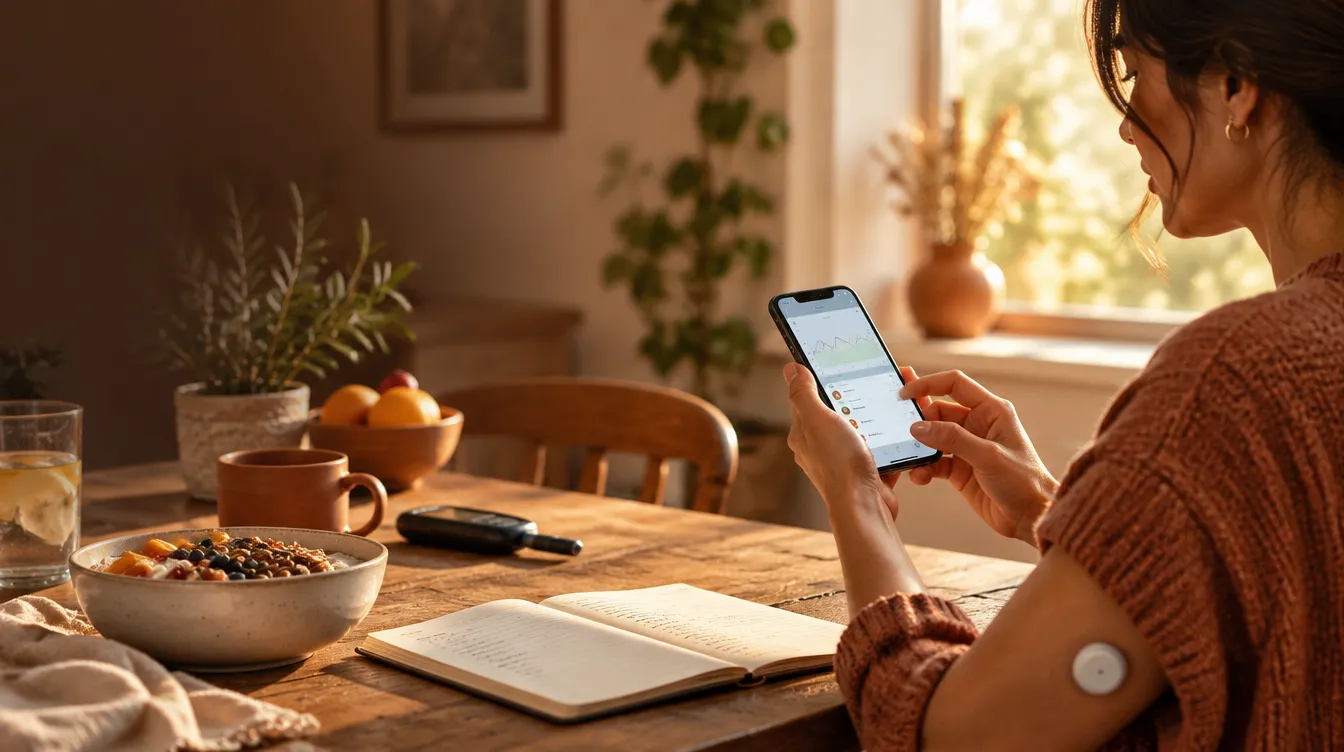
Quick answer: the best tracking app is the one you’ll still open in three weeks. Look for easy manual entry, export or sharing your care team can read, and reminders you control. Then log more than numbers — meals, walks, sleep, stress, and medication notes turn isolated readings into patterns you and your care team can act on.
App store searches for diabetes trackers return dozens of polished options with long feature lists. But an app’s job is narrower than it looks: keep your numbers in one place, keep them readable, and make the habit light enough to survive a busy week.
This guide covers what a useful app actually does, which features are worth caring about, and what to log besides the numbers themselves. Everything here is educational and works alongside the guidance your care team has given you; their instructions about your targets and records always come first.
What should a blood sugar app actually do?
Quick answer: four things — accept a reading in seconds, show a clear history, export or share data in a form your care team can use, and remind you without nagging.
When you compare apps, test these four against your real routine:
- Fast entry. Can you log a number in under ten seconds, including the time of day? If entry takes digging through menus, the habit dies within weeks.
- Readable history. You should be able to see the last few weeks at a glance — by morning, afternoon, and evening — without tapping through screens.
- Export or sharing. Look for a PDF or CSV export, or a clean report view you can show at appointments. An app that traps your data inside itself is half useful.
- Reminders you control. You want nudges at your testing times — not a barrage of notifications selling you the premium plan.
Notice what’s missing from that list: graphs, badges, community feeds, meal photos, gamification. Those are pleasant extras, but the four items above decide whether an app serves your plan. Related: Your Diabetes Medical Bag: What to Keep Packed for Work and Travel walks through this step by step.
Which features are worth paying for?
Quick answer: paid tiers are usually worth it only for one thing — better reports or exports that you or your care team will actually use. Everything else in premium plans tends to be decoration.
Before any subscription:
- Try the free tier for two full weeks. Most habits reveal themselves by then.
- Ask what the paid plan adds that changes your data — better exports, longer history, sync with a specific meter or CGM app.
- Skip plans whose main features are graphics, badges, or insights you didn’t ask for.
If a premium feature would genuinely change what you or your care team see, it can be worth a few dollars a month. If it just makes the app feel fancier, keep your money.
What should you log besides your numbers?
Quick answer: five things — what you ate, when you moved, how you slept, how stressed the day was, and any medication notes. Context is what turns a list of numbers into patterns.
A reading by itself says little; a reading beside a note says a lot:
| What to log | Why it helps |
|---|---|
| The meal before the reading | Shows which meals behave predictably and which don’t |
| A walk or movement | Connects |
| Sleep — even a rough good/ok/poor | Poor sleep often shows up in the next morning’s reading |
| Stress level of the day | Stressful workdays change numbers more than most people expect |
| Medication timing notes | Helps your care team see cause and effect between doses and readings |
None of this needs to be precise. A one-word note (“pasta”, “walked”, “rough night”) attached to the reading is enough — the pattern emerges from dozens of small notes, not from perfect diary entries. Related: After-Dinner Walks For Steadier Blood Sugar walks through this step by step.
How do you make the habit stick?
Quick answer: attach logging to a moment that already happens every day — right after a meal, or at the same evening wind-down — and keep the entry to a number plus a word.
The habit survives when it borrows an existing routine:
- Log right after the test itself, not later. A reading logged “at some point” tends to lose its time and context.
- Keep the note to one word. Long entries are why people quit.
- Review once a week, not daily. Patterns live in weeks; single readings are noisy.
- If you use a meter with Bluetooth, let it sync instead of re-typing — one less step is the difference between logging and not.
What do you bring to your next appointment?
Quick answer: the export — a PDF, CSV, or the app’s report view — covering the last two to four weeks, with your notes visible. That’s the record your care team can actually work from.
Two to four weeks of numbers plus context is a far better picture than a notebook of bare readings. Bring it, and ask your care team what they’d like to see in the next export — their answer will shape how you log going forward.
Everything in this guide is educational and works alongside the guidance your care team has given you. Their instructions about your targets, records, and monitoring plan always come first.
Related reads
- How to Choose a Glucose Meter Without Overpaying
- CGM vs Finger Sticks: Which Monitoring Style Fits Your Life
- Diabetes Meal Delivery Services: Are They Worth the Money?
- What Is Type 2 Diabetes, in Plain Kitchen Language
Free printable: Download the “Home Numbers Tracker Chart” PDF — one page to log a week of readings, BP and glucose together.
This guide is also available in Spanish: Las mejores aplicaciones para controlar la glucemia.
Frequently asked questions
What should a blood sugar app actually do?
Quick answer: four things — accept a reading in seconds, show a clear history, export or share data in a form your care team can use, and remind you without nagging.
Which features are worth paying for?
Quick answer: paid tiers are usually worth it only for one thing — better reports or exports that you or your care team will actually use.
What should you log besides your numbers?
Quick answer: five things — what you ate, when you moved, how you slept, how stressed the day was, and any medication notes.
How do you make the habit stick?
Quick answer: attach logging to a moment that already happens every day — right after a meal, or at the same evening wind-down — and keep the entry to a number plus a word.
What do you bring to your next appointment?
Quick answer: the export — a PDF, CSV, or the app's report view — covering the last two to four weeks, with your notes visible.
Want the complete system?
This guide is based on Hardy's ebooks — plain-language, step-by-step PDFs you can read in one sitting. See all guides
Educational content only — not a substitute for advice from your doctor or pharmacist. Always work with your care team.